Install from Marketplace
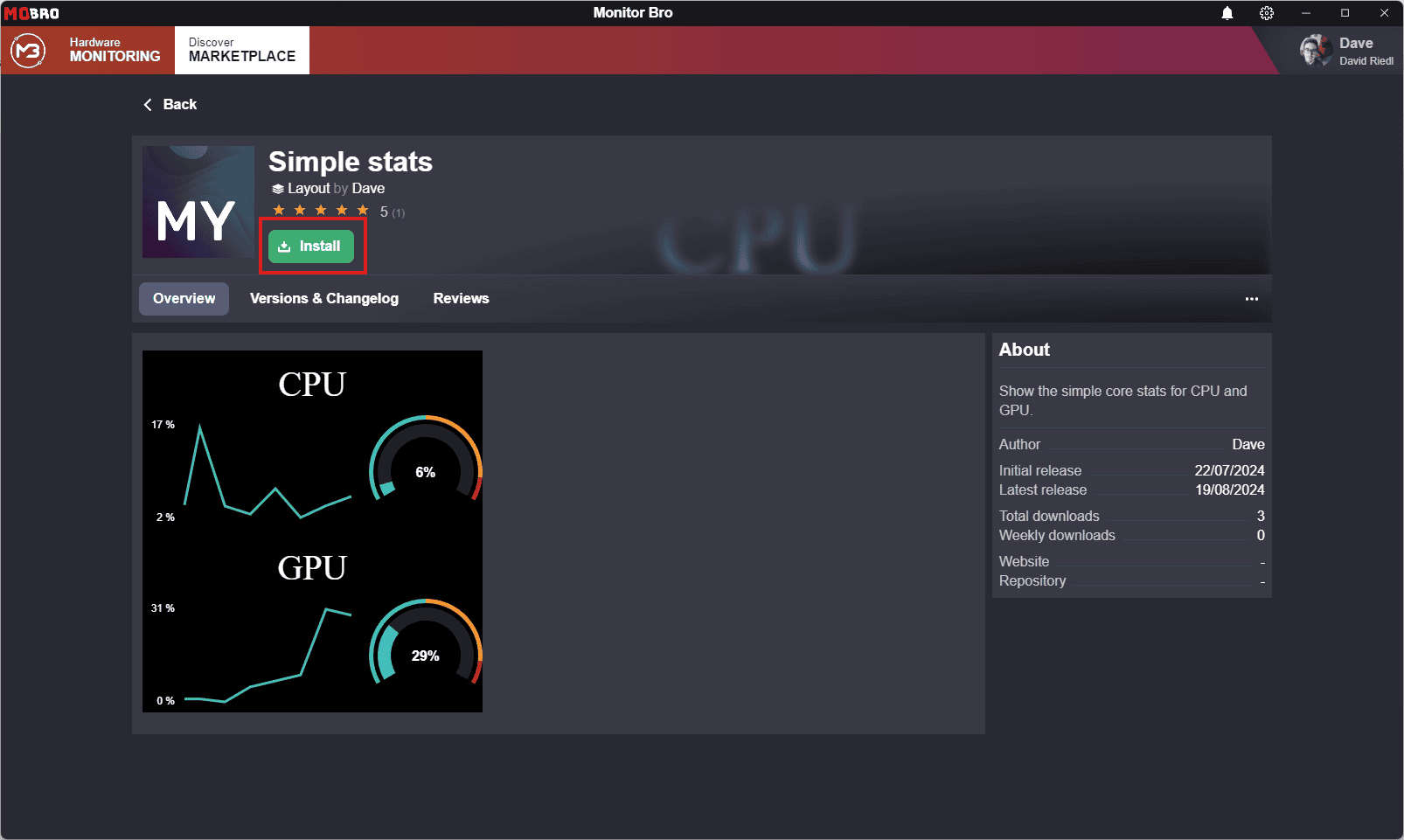
You can install layouts created and shared by other users from the Marketplace.
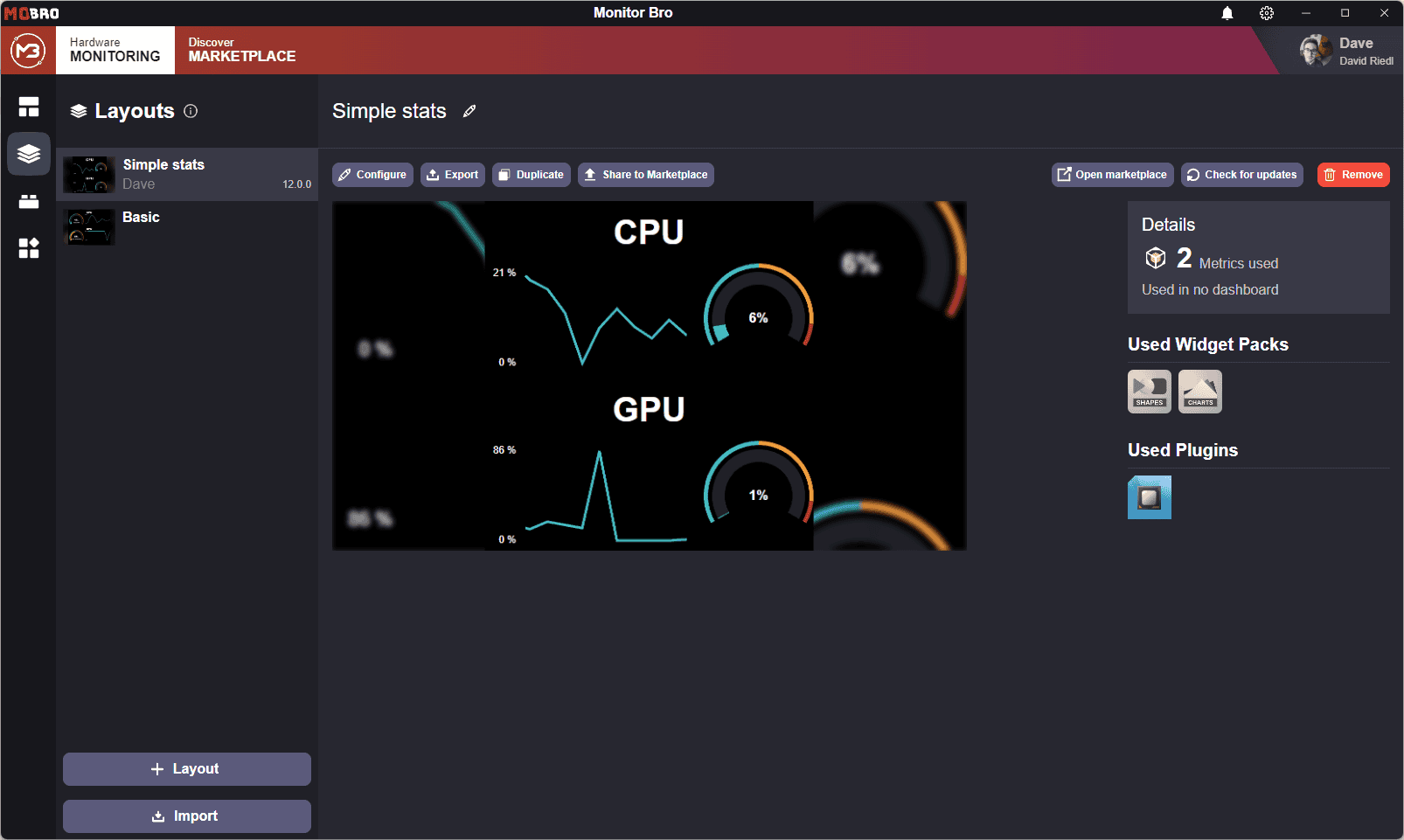
When you install a layout from the Marketplace, the detail page for the layout will have a slightly different appearance. You will see the version you installed and, additionally, have the following options:
- Check for updates: Ensure you are using the latest version of the layout.
- Visit Marketplace Page: View more details about the layout in the marketplace.
Layouts from other users may use metrics that are not available on your system, e.g. because they use a different plugin. The Metrics Mapper helps you replace them with metrics available on your system.
Updating Layouts
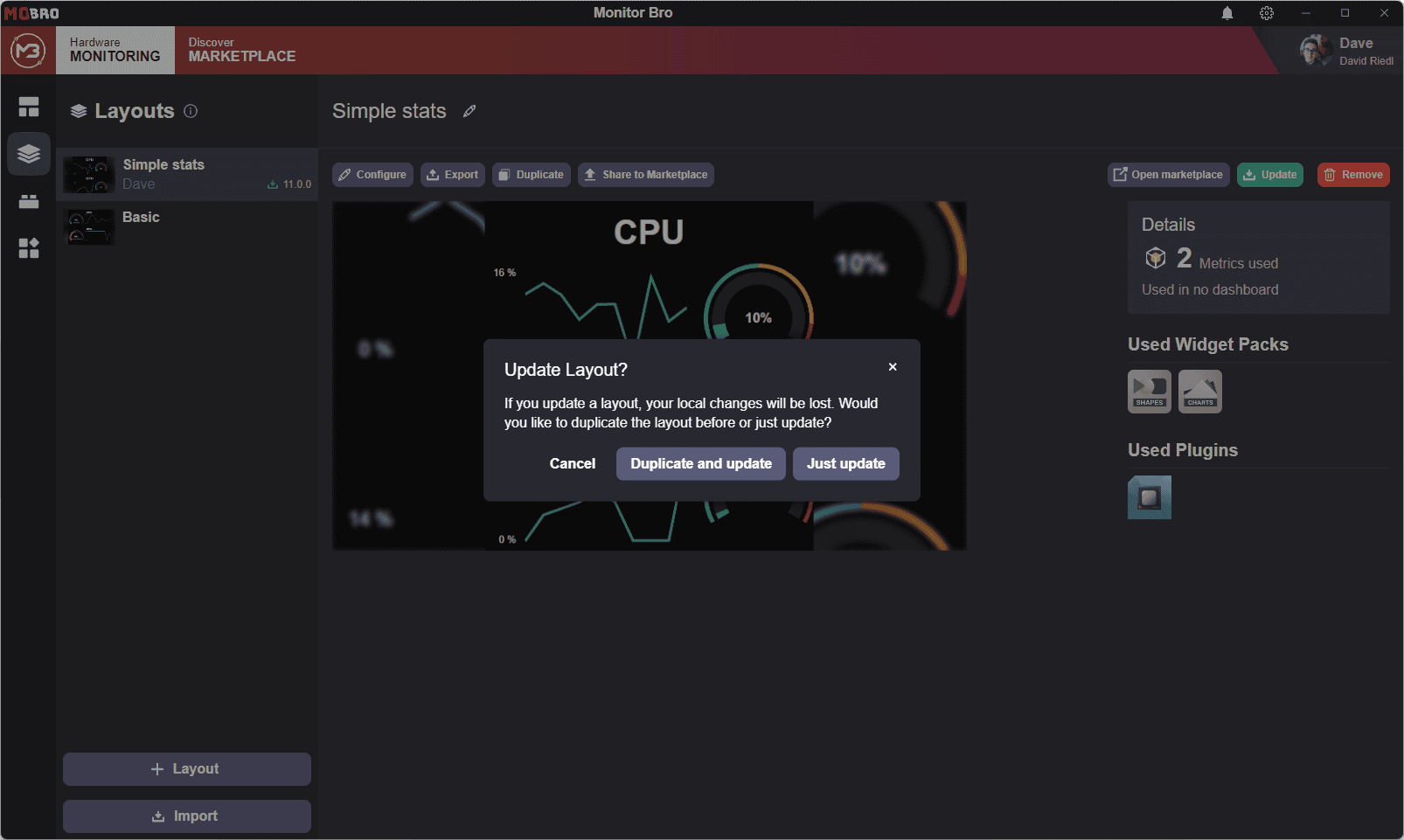
If an update is available for a layout and you choose to update it, you will be prompted with an option to duplicate the layout. This allows you to save any local changes you have made before applying the update.
If you do not duplicate the layout before updating to the latest marketplace version, all local changes you made to the layout since installation will be lost.